
Why Every Analyst Needs AI-Powered Data Visualization Skills in 2026 (And How to Learn Them in 2–3 Days)


Open any workplace dashboard today and you’ll see it everywhere — charts, numbers, and reports filling the screen. Sales. Revenue. Marketing. Operations. Everything is measured, tracked, and reviewed constantly. And behind it all is usually an analyst trying to make sense of messy data… while deadlines keep getting tighter.
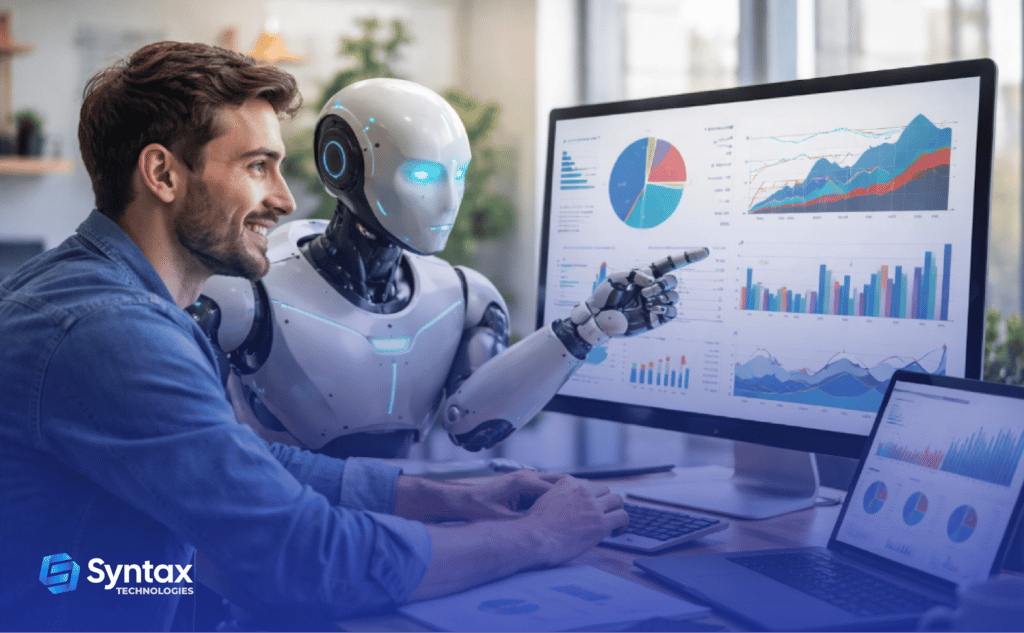
The problem? Data is growing faster than ever, leaders want insights immediately, and traditional dashboarding just can’t keep up. That’s why AI-powered data visualization is quickly becoming a must-have skill for analysts in 2026.
In this blog, we’ll talk about why AI-powered visualization skills are so important for analysts, how they can boost your career, and how you can start learning them in just 2–3 days — even if you’re still a beginner.
The World Is Becoming Data-Heavy
Every business now runs on data.
Retail stores track purchases.
Healthcare tracks patient outcomes.
Banks monitor transactions.
Startups analyze user behavior.
Dashboards are how leaders see what’s really happening — but here’s the problem:
- There’s too much data
- There’s not enough time
- Traditional tools often require too much manual work
Think about a normal workday.
- You download data from different sources.
- You clean it.
- You fix missing values.
- You try different charts.
- You explain it — again and again.
It’s useful work, but it can be slow and repetitive.
By 2026, companies won’t just want dashboards — they’ll want dashboards built faster, updated automatically, and smart enough to spot insights on their own.
That’s exactly where AI-powered data visualization fits in.
What Is AI-Powered Data Visualization?
Let’s keep it simple.
AI-powered data visualization means using AI tools to:
- Clean your data
- Suggest the best charts
- Build dashboards faster
- Highlight key trends automatically
Instead of spending hours figuring out what graph to use, AI recommends one based on your data.
Instead of scrolling through thousands of rows, AI points out patterns — like rising costs or dropping sales.
And instead of manually formatting everything, AI helps automate the process.
Why AI-Powered Visualization Will Matter So Much by 2026
The analyst role is changing fast. By 2026, the people who know how to use AI with dashboards will simply get more done — faster and smarter. Here’s why:
You’ll build dashboards faster
AI helps clean data, pick charts, and spot patterns — so you move from spreadsheet to insights in minutes, not hours.
You can handle bigger datasets
Millions of rows? That won’t be an issue. AI summarizes what matters so you don’t drown in data.
Your stories become clearer
AI highlights trends like falling sales or rising churn — you add the human judgment.
You become “AI-ready talent”
Employers increasingly prefer analysts who can work with AI-powered visualization tools.
Decisions improve — and speed up
Leaders get insights sooner. You become the person who helps move the business forward.
Less boring work, more impact
AI reduces manual cleaning and formatting — freeing you up for deeper analysis.
By 2026, AI-powered data visualization won’t be a bonus skill. It’ll be the standard.
How You Can Start Learning AI-Powered Visualization in Just 2–3 Days
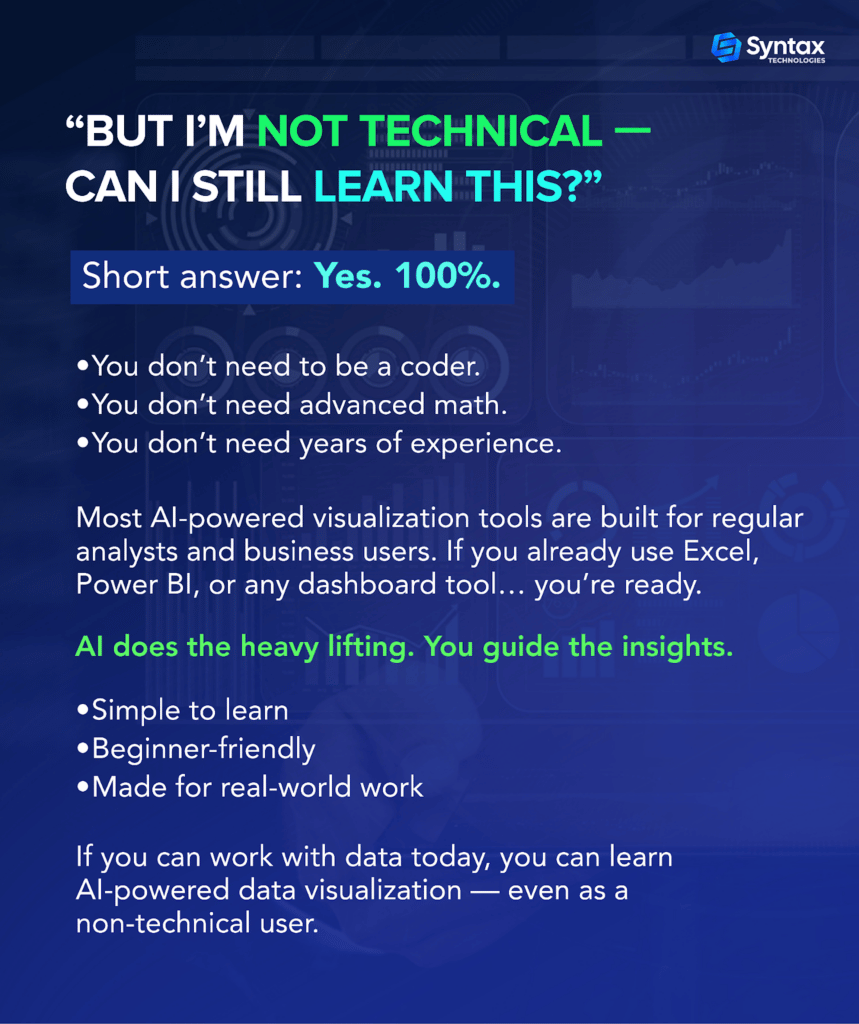
This part usually surprises people: you don’t need months to get started with AI-powered data visualization. If you already use tools like Excel, Power BI, or Tableau, you’re halfway there. The rest is simply learning how AI fits into the workflow.
Here’s what the first 2–3 days of learning can realistically look like:
- Day 1 — Get Comfortable With the Tools
You learn the basics: how to upload data, how AI helps clean it, and how it suggests charts. No coding. No complexity. Just clicking, exploring, and understanding how GenAI supports analysts. - Day 2 — Build Your First AI-Assisted Dashboard
You take a real dataset — maybe sales, marketing, finance, or operations — and let AI guide you. It recommends visuals. You tweak them. You add filters, and try to build something real. - Day 3 — Add Insights & Confidence
Now you go one step further. AI highlights trends. You explain what they mean. You make the dashboard presentation-ready.
You’re not becoming an expert overnight. But in 2–3 focused days, you can:
- Understand how AI fits into data analytics
- Build dashboards with AI support
- Save time on cleaning and formatting
- Feel confident instead of overwhelmed
Career Benefits of Learning This Skill Now
Learning AI-powered data visualization skills now helps you:
- Stay relevant in an AI-powered workplace
- Increase job security by working smarter, not harder
- Stand out in interviews and promotions
- Deliver real business impact instead of just reports
- Build confidence with data analytics tools
Instead of worrying that “AI might replace analysts,” you position yourself as the analyst who knows how to use AI effectively.
Conclusion
If you’ve been thinking, “I really should upgrade my data visualization skills — but I don’t want to spend months learning complex tools,” you’re not alone. Many analysts feel the same way.
The good news is that you can start small.
Even a short, focused learning program can help you understand how AI-powered data visualization works and how to apply it to real dashboards.
That’s exactly why Syntax Technologies created a self-paced “Advanced Data Visualization with GenAI” workshop. It’s designed for beginners and working professionals who want hands-on, practical learning — not theory.
You learn step-by-step, work with real-world examples and within days, you’ll feel more confident using AI-powered visualization tools in your everyday analytics work.